







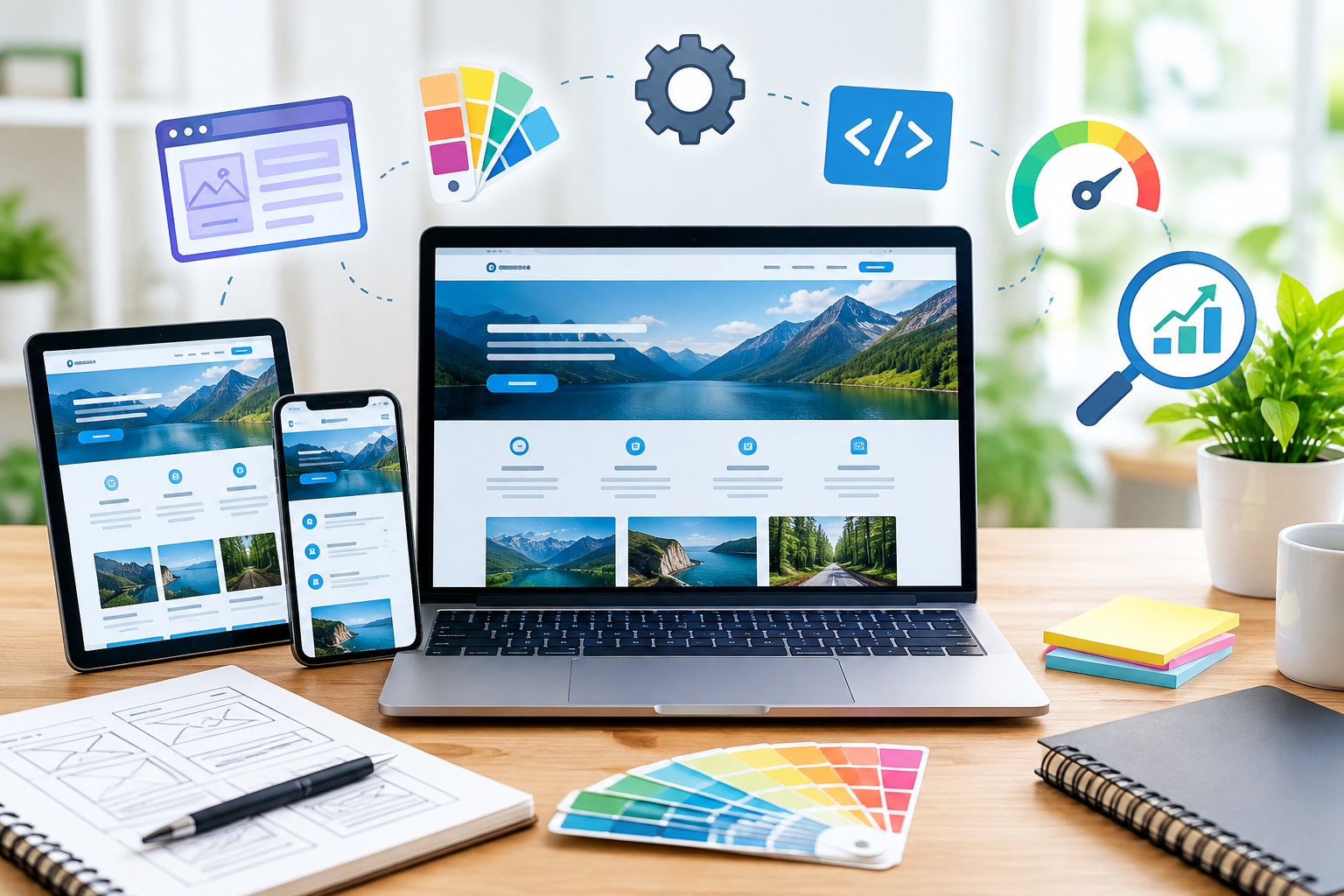







Professional website design services that combine UX, speed, SEO, and conversion optimization. Learn modern strategies, tools, and best practices to build high-performing, scalable websites in 2026.
Introduction
In today’s hyper-digital landscape, website design is no longer just about aesthetics—it is about creating seamless, high-performing experiences that convert visitors into loyal customers. A well-designed website acts as your digital storefront, brand ambassador, and sales engine all at once. Businesses that invest in strategic, user-focused design consistently outperform competitors in engagement, trust, and revenue generation.
At MyBlogPoster, the focus is on building websites that are not only visually compelling but also optimized for performance, SEO, and user experience. This means blending creativity with technical precision—ensuring that every element, from layout to load speed, contributes to measurable business outcomes.
This comprehensive guide explores modern website design principles, advanced strategies, and real-world best practices aligned with Google’s standards. Whether you’re a business owner, marketer, or developer, this article will equip you with the knowledge needed to build websites that rank, engage, and convert.
Understanding Modern Website Design Principles
Modern website design goes far beyond choosing colors and fonts—it is rooted in psychology, usability, and strategic thinking. The foundation lies in creating an intuitive experience that aligns with user expectations while guiding them toward specific actions. A well-structured website reduces friction, improves engagement, and builds credibility instantly.
The first key principle is user-centric design. This means designing for real people, not assumptions. Understanding user behavior, preferences, and pain points allows designers to create interfaces that feel natural and effortless. Navigation should be simple, content should be easy to scan, and calls-to-action should be clearly visible. When users don’t have to think too hard, they stay longer and convert more.
Another critical element is visual hierarchy. This involves organizing content in a way that naturally guides the user’s attention. Headlines, images, spacing, and contrast all play a role in determining what users notice first. Effective hierarchy ensures that important information—like value propositions and CTAs—stands out immediately.
Lastly, consistency is essential. From typography to button styles, maintaining a uniform design language builds trust and professionalism. Inconsistent designs confuse users and reduce credibility. By adhering to these modern principles, businesses can create websites that are not only beautiful but also functional and results-driven.
The Role of User Experience (UX) in Website Success
User Experience (UX) is the backbone of successful website design. It defines how users interact with your website and how they feel during that interaction. A positive UX leads to higher engagement, better retention, and increased conversions, while a poor UX drives users away almost instantly.
At its core, UX focuses on ease of use. Visitors should be able to find what they’re looking for quickly and without confusion. This involves clear navigation menus, logical page structures, and intuitive design patterns. When users can move effortlessly through your site, they are more likely to trust your brand and take action.
Another important aspect is accessibility. A well-designed website should be usable by everyone, including people with disabilities. This includes proper contrast ratios, readable fonts, keyboard navigation, and screen reader compatibility. Following accessibility guidelines not only improves usability but also aligns with ethical and legal standards.
UX also plays a major role in emotional engagement. Design elements such as colors, imagery, and micro-interactions influence how users feel about your brand. A clean, modern design can evoke trust, while cluttered layouts create frustration. By prioritizing UX, businesses can create meaningful digital experiences that leave lasting impressions.
Responsive Design: Adapting to Every Device
In a mobile-first world, responsive design is no longer optional—it’s essential. With users accessing websites from smartphones, tablets, laptops, and desktops, your website must adapt seamlessly to different screen sizes and devices.
Responsive design ensures that content automatically adjusts to fit any screen. This includes flexible layouts, scalable images, and adaptive typography. A responsive website maintains its usability and visual appeal regardless of the device being used, providing a consistent experience for all users.
One of the biggest benefits of responsive design is improved SEO performance. Google prioritizes mobile-friendly websites, making responsiveness a key ranking factor. Websites that fail to meet mobile usability standards risk losing visibility in search results.
Additionally, responsive design enhances user satisfaction. Visitors are more likely to stay on a website that loads quickly and displays correctly on their device. By investing in responsive design, businesses can reach a wider audience, improve engagement, and boost overall performance.
Website Speed Optimization and Performance
Website speed is a critical factor that directly impacts user experience, SEO rankings, and conversion rates. In today’s fast-paced digital environment, users expect websites to load within seconds. Even a slight delay can lead to higher bounce rates and lost opportunities.
Speed optimization begins with efficient coding practices. Minimizing CSS, JavaScript, and HTML files reduces load times and improves performance. Additionally, using modern frameworks and optimized code structures ensures faster rendering.
Another important factor is image optimization. Large, uncompressed images can significantly slow down a website. Using modern formats like WebP, compressing images, and implementing lazy loading can dramatically improve speed without sacrificing quality.
Caching and Content Delivery Networks (CDNs) also play a vital role. By storing copies of your website on multiple servers worldwide, CDNs reduce latency and ensure faster load times for users across different regions.
According to Google Page Experience Guidelines, page experience signals—including speed—are crucial for ranking. Prioritizing performance not only improves user satisfaction but also strengthens your website’s visibility in search engines.
SEO-Friendly Website Design Fundamentals

SEO and website design are deeply interconnected. A beautifully designed website is ineffective if it cannot be found by search engines. Integrating SEO best practices into the design process ensures that your website is both visually appealing and discoverable.
One of the key elements is clean site architecture. This involves organizing pages in a logical hierarchy, making it easy for both users and search engines to navigate. Clear URLs, proper internal linking, and structured navigation enhance crawlability and indexing.
Another important factor is on-page optimization. This includes using relevant keywords in titles, headings, and content while maintaining natural readability. Proper use of meta tags, alt text for images, and schema markup further improves search visibility.
Technical SEO also plays a role in design. Ensuring fast load times, mobile responsiveness, and secure connections (HTTPS) are essential for ranking. Google’s guidelines emphasize the importance of user-focused content and technical excellence.
By combining design and SEO strategies, businesses can create websites that not only attract visitors but also rank higher in search results.
Visual Design Elements That Drive Engagement
Visual design is the first thing users notice when they land on a website. It plays a crucial role in shaping their perception and determining whether they stay or leave. Effective visual design combines aesthetics with functionality to create an engaging and memorable experience.
Color psychology is one of the most powerful tools in design. Different colors evoke different emotions and influence user behavior. For example, blue often conveys trust, while red can create urgency. Choosing the right color palette helps reinforce your brand identity and guide user actions.
Typography is equally important. Readable fonts, proper spacing, and consistent styles enhance usability and improve content consumption. Poor typography can make even the best content difficult to read.
Imagery and graphics also contribute to engagement. High-quality visuals, icons, and illustrations make content more appealing and easier to understand. However, it’s important to strike a balance—too many elements can create clutter and overwhelm users.
By focusing on these visual elements, businesses can create websites that captivate users and encourage interaction.
Conversion-Focused Design Strategies
A successful website is not just about attracting visitors—it’s about converting them into customers. Conversion-focused design involves strategically guiding users toward desired actions, such as making a purchase, signing up, or contacting your business.
One of the most effective strategies is clear call-to-actions (CTAs). Buttons and links should be visually distinct and placed strategically throughout the website. Using action-oriented language like “Get Started” or “Book Now” encourages users to take the next step.
Another important aspect is trust-building elements. Testimonials, reviews, certifications, and security badges help establish credibility and reduce hesitation. Users are more likely to convert when they feel confident in your brand.
Simplifying the user journey is also crucial. Reducing the number of steps required to complete an action minimizes friction and increases conversions. For example, streamlined checkout processes and minimal form fields can significantly improve results.
Conversion-focused design turns your website into a powerful business tool that drives measurable growth.
Content Structure and Readability Optimization
Content is at the heart of every website, but its effectiveness depends on how it is structured and presented. A well-organized content layout improves readability, engagement, and SEO performance.
One key principle is scannability. Most users do not read content word-for-word—they scan for relevant information. Using headings, bullet points, and short paragraphs makes it easier for users to find what they need quickly.
Another important factor is content hierarchy. Structuring content with clear headings (H1, H2, H3) helps both users and search engines understand the importance of each section. This improves navigation and enhances SEO.
Whitespace also plays a critical role. Proper spacing between elements reduces visual clutter and makes content easier to digest. A clean layout improves user experience and keeps visitors engaged longer.
By optimizing content structure, businesses can deliver information more effectively and improve overall website performance.
Design Systems and Scalable Website Architecture
As businesses grow, maintaining consistency across digital assets becomes increasingly challenging. This is where design systems come into play. A design system is a collection of reusable components, guidelines, and standards that ensure uniformity across your website and digital platforms. It acts as a single source of truth for designers and developers, reducing inconsistencies and improving efficiency.
A well-structured design system includes elements such as typography styles, color palettes, UI components, and interaction patterns. By standardizing these elements, teams can create cohesive designs without reinventing the wheel for every project. This not only speeds up the design process but also ensures a consistent user experience across all pages.
Scalable website architecture is equally important. As your website expands, it should remain easy to navigate and manage. This involves creating a logical structure with clearly defined categories, subcategories, and internal linking. A scalable architecture supports future growth without compromising performance or usability.
By investing in design systems and scalable architecture, businesses can maintain quality, improve collaboration, and deliver consistent user experiences at scale.
Website Security and Trust Signals
Website security is a fundamental aspect of modern web design. Users expect their data to be protected, and search engines prioritize secure websites in rankings. Implementing strong security measures not only safeguards your website but also builds trust with your audience.
One of the most critical elements is HTTPS encryption. Secure websites use SSL/TLS certificates to encrypt data transmitted between the user and the server. According to Google SEO Starter Guide, HTTPS is a ranking signal and essential for protecting user information.
Trust signals also play a significant role in user confidence. These include security badges, privacy policies, and transparent contact information. Displaying these elements prominently reassures users that your website is legitimate and trustworthy.
Regular updates and maintenance are equally important. Outdated plugins, themes, or software can create vulnerabilities that hackers exploit. Keeping your website updated ensures that security patches are applied and risks are minimized.
By prioritizing security and trust signals, businesses can protect their users, enhance credibility, and improve search engine performance.
Core Web Vitals and Technical Performance Metrics
Core Web Vitals are a set of performance metrics introduced by Google to measure user experience on websites. These metrics focus on loading performance, interactivity, and visual stability—key factors that influence both user satisfaction and SEO rankings.
The three main Core Web Vitals are Largest Contentful Paint (LCP), First Input Delay (FID), and Cumulative Layout Shift (CLS). LCP measures how quickly the main content loads, FID evaluates responsiveness, and CLS assesses visual stability. Optimizing these metrics ensures a smooth and enjoyable user experience.
Improving Core Web Vitals involves techniques such as optimizing images, reducing server response times, and minimizing JavaScript execution. Tools like Google PageSpeed Insights Tool provide valuable insights and recommendations for improving performance.
Google emphasizes the importance of these metrics in its Google Core Web Vitals Guide guidelines. Websites that meet these standards are more likely to rank higher and retain users.
Focusing on Core Web Vitals ensures that your website delivers fast, stable, and responsive experiences that meet modern expectations.
The Role of AI in Modern Website Design

Artificial Intelligence (AI) is transforming the way websites are designed and optimized. From automated design tools to personalized user experiences, AI enables businesses to create smarter and more efficient digital platforms.
One of the key applications of AI is personalization. By analyzing user behavior and preferences, AI can deliver tailored content, recommendations, and experiences. This enhances engagement and increases the likelihood of conversions.
AI-powered design tools also streamline the development process. These tools can generate layouts, suggest design improvements, and even optimize content for SEO. This reduces manual effort and allows designers to focus on creativity and strategy.
Another important aspect is chatbots and virtual assistants. These AI-driven features provide instant support, answer user queries, and guide visitors through the website. This improves user experience and reduces the need for human intervention.
As AI continues to evolve, its role in website design will only grow. Businesses that leverage AI effectively can gain a competitive edge and deliver more personalized, efficient experiences.
Accessibility and Inclusive Design Standards
Accessibility is no longer optional—it is a necessity in modern website design. Inclusive design ensures that websites are usable by people of all abilities, including those with visual, auditory, or cognitive impairments.
One of the key principles of accessibility is perceivability. Content should be presented in ways that users can easily perceive, such as providing alternative text for images and captions for videos. This ensures that all users can access information regardless of their abilities.
Another important principle is operability. Websites should be navigable using different input methods, including keyboards and assistive technologies. This allows users with disabilities to interact with your website effectively.
The Web Content Accessibility Guidelines (WCAG) provide comprehensive guidelines for creating accessible websites. Following these standards not only improves usability but also demonstrates social responsibility.
By prioritizing accessibility, businesses can reach a wider audience, enhance user experience, and comply with legal requirements.
Common Website Design Mistakes to Avoid
Even well-intentioned website designs can fail due to common mistakes that hinder usability and performance. Identifying and avoiding these pitfalls is essential for creating effective websites.
One common mistake is overloading the design with elements. Too many colors, fonts, or animations can overwhelm users and create confusion. Simplicity and clarity should always be prioritized.
Another issue is poor navigation. Complex menus and unclear structures make it difficult for users to find what they need. This leads to frustration and increased bounce rates.
Ignoring mobile optimization is another critical mistake. With the majority of users accessing websites on mobile devices, failing to provide a responsive design can significantly impact user experience and SEO.
Additionally, neglecting website speed and performance can drive users away. Slow-loading pages and unoptimized content create negative impressions and reduce engagement.
Avoiding these common mistakes ensures that your website remains user-friendly, efficient, and effective.
Future Trends in Website Design
The future of website design is shaped by emerging technologies and evolving user expectations. Staying ahead of these trends allows businesses to remain competitive and deliver cutting-edge experiences.
One of the most significant trends is minimalist design. Clean layouts, simple navigation, and focused content create a seamless user experience. This approach reduces distractions and highlights key information.
Another trend is interactive and immersive experiences. Technologies such as animations, micro-interactions, and augmented reality (AR) enhance user engagement and create memorable experiences.
Voice search optimization is also gaining importance. As more users rely on voice assistants, websites must adapt to conversational queries and natural language processing.
Sustainability is another emerging focus. Designing energy-efficient websites with optimized performance reduces environmental impact and aligns with modern values.
By embracing these trends, businesses can future-proof their websites and stay ahead in the digital landscape.
Frequently Asked Questions
1. What is website design and why is it important?
Website design involves creating the layout, structure, and visual elements of a website. It is important because it directly impacts user experience, engagement, and conversions.
2. How does website design affect SEO?
Website design influences factors like page speed, mobile responsiveness, and site structure, all of which are critical for SEO rankings.
3. What are Core Web Vitals?
Core Web Vitals are performance metrics that measure loading speed, interactivity, and visual stability, impacting both UX and SEO.
4. Why is responsive design important?
Responsive design ensures that websites work seamlessly across all devices, improving user experience and search rankings.
5. How can I improve website speed?
You can optimize images, use caching, minimize code, and implement CDNs to improve loading times.
6. What is UX in website design?
UX (User Experience) focuses on how users interact with your website and aims to create intuitive, enjoyable experiences.
7. What are trust signals in web design?
Trust signals include HTTPS, reviews, testimonials, and security badges that build credibility with users.
8. How often should I update my website design?
It’s recommended to review and update your website every 2–3 years or whenever major trends and technologies evolve.
Best Practices Summary
- Prioritize user experience with intuitive navigation and clean layouts
- Optimize for speed and performance to reduce bounce rates
- Implement responsive design for all devices
- Follow SEO best practices for better visibility
- Ensure accessibility for all users
- Use strong security measures to protect data
- Leverage AI tools for personalization and efficiency
- Continuously test and improve your website
Conclusion
Website design is a dynamic and ever-evolving field that requires a balance of creativity, technical expertise, and strategic thinking. By focusing on user experience, performance, SEO, and emerging trends, businesses can create websites that not only look great but also deliver measurable results.
At MyBlogPoster, the goal is to help businesses build high-performing websites that align with modern standards and drive growth. Whether you are starting from scratch or optimizing an existing site, applying the principles outlined in this guide will set you on the path to success.
Want to Implement This Easily?
Prompt Text:
You are an expert consultant. Based on the blog post titled “(Website Design)”, provide a step-by-step, practical implementation guide. Include tools, best practices, common mistakes to avoid, and advanced tips. Assume the reader wants to implement everything discussed in this article effectively.
Call to Action:
Want our help implementing this? Just reach out to us via our website contact form: https://myblogposter.co.uk/contact-us/